01
Choose a plan
Pick a length, or ask for a free trial on WhatsApp before you pay. After that, the login comes back on WhatsApp.
Compare IPTV choices with the terms in writing, then decide. CompareIPTV sells prepaid plans for US viewers, with 57,000+ live channels and 235,000+ movies and series, and it also publishes a provider comparison with moderated reader reviews. You pay once, add an M3U link or Xtream codes, and message WhatsApp if the first channel does not open.
CompareIPTV sells its own plans, so read this table with that in mind. Even so, the checklist works for any provider, including us, whenever you compare an IPTV offer. In addition, the full write-up and reader reviews are on the provider comparison.
 CompareIPTV |
Typical budget IPTV reseller | |
|---|---|---|
| Refund in writing | 24-hour refund if support cannot fix a service issue | Often missing, although a few sellers write it down |
| Try before you pay | Free trial on WhatsApp before any payment | Varies; however, a trial is often not offered |
| How you pay | One-time payment, so nothing auto-renews | Often a recurring charge, though some are prepaid |
| Support channel | WhatsApp every day, including setup questions | Varies, since the hours are rarely written down |
| Device choice | Smart TV, Fire TV, phone, MAG, PC or Mac | Often the same screens, though the written list varies |
| Setup help | WhatsApp walkthrough until the first channel plays | Varies, while step-by-step help is rarely written down |
Each CompareIPTV plan is paid once in US dollars, so there is no auto-renewal and no contract. A single month is enough to test the lineup, while 12 months brings the lowest monthly cost. Meanwhile, the channel list, on-demand library, program guide and WhatsApp help stay the same on every length. Finally, the plans page and the short buying notes on buy IPTV subscription list the details.

Prepaid once • WhatsApp trial • Login in minutes
Prices are in US dollars. On the 12-month plan, a second device is 25% off and a third device is 50% off the extra connections, so check the device selector before you pay. In addition, checkout accepts card, Apple Pay and Google Pay.
In short, CompareIPTV fits homes that want local channels, sports and world TV without a rented box. If you are still weighing the switch, read is IPTV worth it.
As soon as payment clears, the login usually shows up on WhatsApp within minutes.
Message us for a free trial and test it on your own TV before you pay.
Live channels and on-demand titles share one login, including sports, kids and documentaries.
Use the TV, stick or phone you already own, including a laptop when you are away.
Setup questions get a same-day answer on WhatsApp, and weekends are also covered.
The stream uses your internet, so there is no dish, coax drop or equipment rental.
Write to us on WhatsApp →Local news, entertainment, sports and world channels sit beside movies and series, so one login covers both. In addition, the buyer guides explain how the lineup is grouped.
Playback runs through ordinary player apps on Smart TVs, sticks, boxes, phones and computers, so new hardware is rarely needed. First, compare your screens with the IPTV notes below; then the setup guide lists the taps for each one.
Even if it is your first playlist, most households are watching within minutes.
Pick a length, or ask for a free trial on WhatsApp before you pay. After that, the login comes back on WhatsApp.
Use the free 8K Player on Android or Fire TV; otherwise, pick any app that accepts M3U or Xtream codes.
Finally, type the host, username and password, or drop in the M3U playlist link.
CompareIPTV customers also receive the 8K Player app free of charge, with all features unlocked, on Android and Fire TV Stick. On iPhone, iPad and Apple TV, however, install any free player that accepts an M3U link from the App Store. After that, add the login we send, and the channel list loads. If a step is unclear, we will walk through it on WhatsApp.
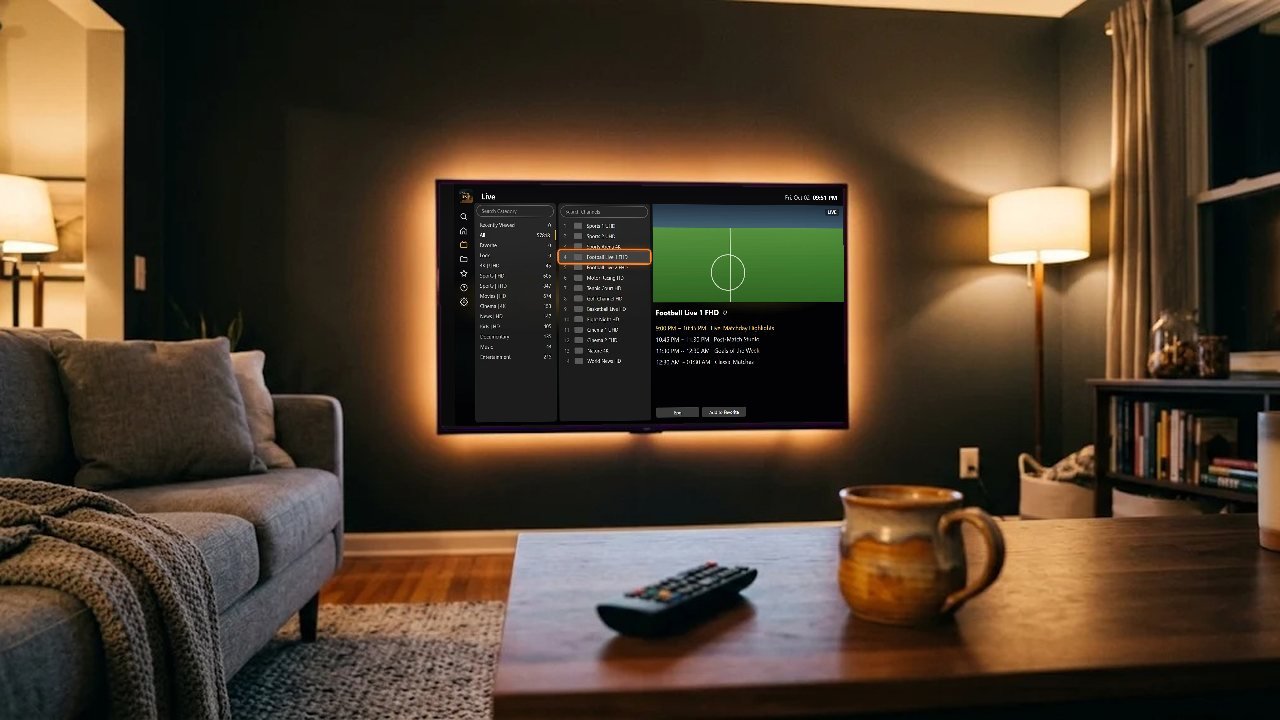

Run a short check before you pay. The result shows whether the line can hold SD, HD, Full HD or 4K.
Streams come from a CDN (content delivery network), which serves each channel from a server near you, so buffering drops. For live TV that path is usually shorter than a VPN, because a VPN adds a tunnel while a CDN moves the stream closer.

A few checks run before the first channel opens. First, the service picks a nearby delivery node; it then confirms the Xtream session and refreshes the guide in your player.
A cable box is only one way to fill a living room screen. In fact, with Internet Protocol television, live channels and on-demand titles move over the broadband line you already have. Instead of a box, your login from CompareIPTV is a playlist link or a short Xtream code. As soon as a player accepts it, the grid can include US local news, network affiliates, entertainment, live sports channels, Spanish-language stations and international packages. If the term itself is new, what an IPTV service means is a plain definition.
Before you compare IPTV lineups, read the written terms: a trial, support, the device list and the refund window. The provider comparison holds that checklist, while the plans page lists each prepaid length.

A steady picture depends on internet speed, the screen in the room where people actually sit, and the player you install. For example, allow about 10 Mbps per stream for Full HD and about 25 Mbps where a channel offers 4K. Then install a player that accepts an M3U link or Xtream codes.
If evening traffic is the worry, ask for a free trial on WhatsApp and test it then. In short, compare our IPTV picture on a busy evening rather than a quiet morning. The setup guide covers each device, and how to test IPTV quality shows what to watch for during that trial.

Samsung and LG Smart TVs, Fire TV Stick, Android TV boxes, iPhone, iPad, Apple TV, MAG boxes and Windows or Mac computers can all run a compatible player. On Android phones and Fire TV, you can also use the free 8K Player. Every other screen, however, uses a player that accepts an M3U link or Xtream codes.
Fire TV owners in particular can follow IPTV for Firestick. When you are choosing a player, the player comparison lays out the options. Above all, you are not locked to one app.

People arrive for different reasons. For example, some are tired of equipment rental fees. Others, on the other hand, want Spanish-language news beside English entertainment, or Indian, Filipino, Arabic, Caribbean and European channels in the same app. In addition, a 7-day program guide and catch-up help when the household watches on a shifted schedule.
If price is the open question, why IPTV costs less than cable explains the gap in plain terms. Finally, a longer buying method sits in how to choose an IPTV provider.

Every plan is a one-time payment in US dollars, so nothing renews by itself. After that, activation usually takes a few minutes, and the M3U link or Xtream details arrive on WhatsApp. Support also stays on WhatsApp every day.
Run the trial on the TV you care about before you pay, and keep the login private. If a channel stutters, restart the app and the router first, then write through the contact page. When a real service fault is still open, the refund policy explains the 24-hour window. Lastly, anyone who wants to resell lines can read the reseller program.

Straight answers on plans, reviews, devices and the login, especially for US households.
Talk on WhatsAppCompareIPTV sells prepaid IPTV plans for US viewers, with live channels, movies and series. It also hosts a provider comparison with reader reviews that a person moderates, so you can compare each IPTV provider against the same checklist. In addition, the about page explains who operates the site.
Reviews come from readers through the on-page form, and a person approves each one before it appears. We publish positive and negative reviews alike; however, we remove spam, abuse, links and personal data. The approved list and form also sit on the provider comparison.
Plans are 1 month at $12.99, 3 months at $24.99, 6 months at $44.99 and 12 months at $74.99. Otherwise, every length includes the same live channels, on-demand library and 7-day program guide. Current totals are also on the plans page.
No, because each plan is a one-time payment in US dollars. Nothing renews on its own, so there is no subscription to cancel. Also, checkout takes card, Apple Pay and Google Pay.
A refund is available within 24 hours of payment, and only for a genuine service issue support cannot fix, such as a login that never activates. Changing your mind is not a refund reason, because the plan does not auto-renew. Therefore, a free trial is the safer first step. The rules are also on the refund policy page.
Yes, message us on WhatsApp and we send trial details before you pay. Then test them on the TV and internet you will use, ideally in the evening. Also see IPTV providers with free trials.
Samsung and LG Smart TVs, Fire TV Stick, Android TV and boxes, Android phones, iPhone, iPad, Apple TV, MAG boxes, and Windows or Mac computers all work. In addition, the free 8K Player covers Android and Fire TV. Other screens, however, need an M3U or Xtream player. The setup guide also has the steps.
Generally, a single stream needs roughly 3 Mbps in SD, 5 Mbps in HD, 10 Mbps in Full HD and 25 Mbps in 4K. Stuttering usually eases if you restart the router, device and app, or switch to Ethernet or 5 GHz Wi-Fi. If it continues, contact us and we will check it with you.
Shortly after payment, the login arrives on WhatsApp, usually within minutes. Specifically, you get an M3U link or Xtream codes.
An M3U link is a playlist address the player reads, whereas Xtream codes are a username, password and server host. Either one opens the same lineup, so pick whichever your player prefers. In addition, the player comparison shows how they differ in common players.
Yes, most players load a 7-day program guide, so you can see what is on now and next. Many channels also offer catch-up for replaying a recent show.
Every plan includes 1 device; however, you can choose 2 or 3 at checkout. In addition, on the 12-month plan, the second device is 25% off and the third is 50% off the extra connections. The device selector shows the total before you pay, as does the plans page.
Start with a free WhatsApp trial, then compare our IPTV plan lengths and choose the one that matches how your household watches.